FAB Bank Statement Online: View, Download & Print (2026)
Most people search for their FAB bank statement at the worst possible time. Visa appointment tomorrow. Landlord waiting on proof of salary. The loan officer is asking for the last three months of transactions. You know the feeling. You need that document right now, and you are not sure where to start.
Here is the good news. FAB gives you several ways to get your statement without visiting a branch. You can pull up the last 12 months of transactions in under two minutes using the mobile app or web portal. And if you need an officially stamped copy for a visa or legal purpose, the branch process is faster than most people expect.
This guide covers everything. How to get your FAB bank statement online, what it costs, how to read it, and what to do if something looks wrong.
What Is a FAB Bank Statement?
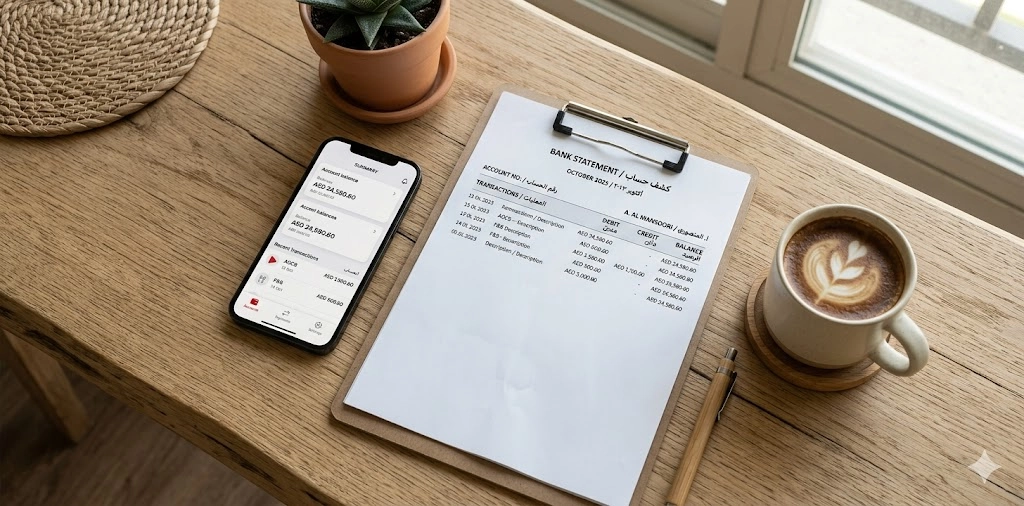
A FAB bank statement is an official record of all activity on your account for a specific time period. It shows exactly what came in and what went out, in order, with dates.
You need it for things like:
- Visa applications (UAE and overseas)
- Renting a flat or villa
- Personal loan or mortgage applications
- Proof of salary for a new employer
- Tax filings for business owners
- Personal budget tracking
If you hold a salary account with FAB, your statement also shows your employer’s name and each salary credit date. That detail matters when you are applying for a tenancy contract or a credit card.
What a FAB Bank Statement Includes
Every statement, whether you download it as a PDF or collect it from a branch, contains the same core information:
- Account holder’s full name
- Account number (partially masked on digital copies for security)
- Statement period with start and end dates
- Opening balance at the start of the period
- Closing balance at the end
- Full list of all transactions in date order
- Each transaction’s description, debit or credit amount
- Running balance after every single transaction
- Transaction reference numbers for disputes
FAB Bank Statement Sample: What the Layout Looks Like
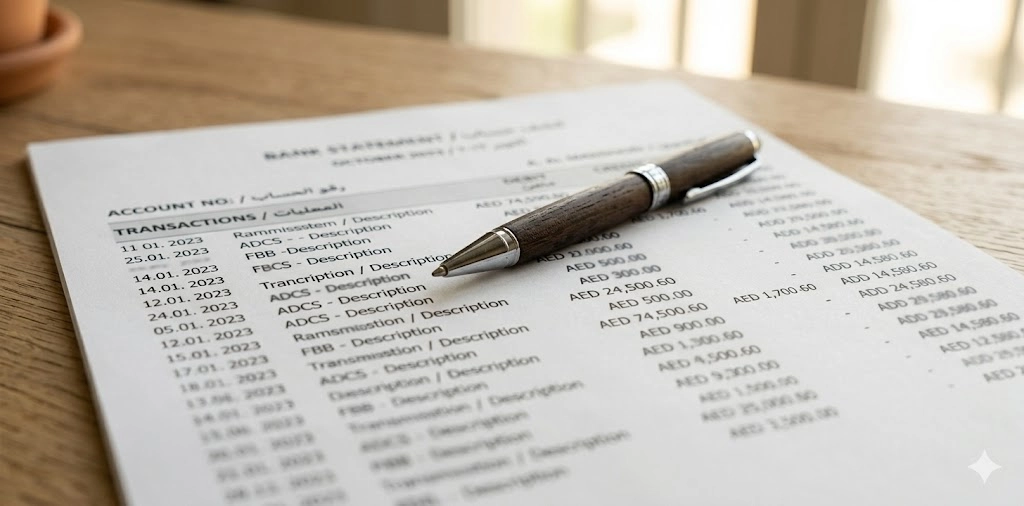
Below is a simplified example showing how transactions appear on a standard FAB bank statement.
Date | Description | Debit (AED) | Credit (AED) | Balance (AED) |
01 Jan 2026 | Opening Balance | — | — | 8,500.00 |
03 Jan 2026 | Salary Credit – [Employer] | — | 12,000.00 | 20,500.00 |
05 Jan 2026 | DEWA Bill Payment | 450.00 | — | 20,050.00 |
07 Jan 2026 | ATM Withdrawal | 500.00 | — | 19,550.00 |
12 Jan 2026 | Carrefour POS | 280.00 | — | 19,270.00 |
31 Jan 2026 | Closing Balance | — | — | 19,270.00 |
This is exactly what a real bank statement example looks like. The format stays consistent whether you download it as a PDF, export it to Excel, or receive a printed copy at the branch.
How to Export FAB Bank Statement to Excel
The Excel format is underused. Most people stick to PDF, but if you run a business or freelance, the Excel export saves serious time.
Steps to Export to Excel
- Log in to FAB Online Banking on a desktop
- Go to Statements
- Choose your account and date range
- Click Export to Excel
- Open the downloaded file in Excel, Google Sheets, or Numbers
What You Can Do with the Excel Statement
- Filter transactions by date, type, or amount
- Calculate monthly totals automatically
- Reconcile with invoices or payment records
- Share the raw data with your accountant
- Build a personal budget directly from your actual spending
4 Ways to Get Your FAB Bank Statement
FAB gives you four options. Each one works well for a different situation.
- Online Banking: Best for downloading full PDF or Excel statements on a desktop
- FAB Mobile App: Best for on-the-go access and quick salary checks
- ATM Mini-Statement: Best for a fast receipt of your last few transactions
- Branch Visit: Required when you need a stamped or legally certified copy
Method | Best For | Format | Stamped? | Free? |
Online Banking | Full records, desktop users | PDF, Excel | No | Yes |
Mobile App | On-the-go access, salary check | No | Yes | |
ATM | Last 5 to 10 transactions only | Paper receipt | No | Yes |
Branch Visit | Visa, legal, and loan applications | Printed | Yes | Mostly free |
How to Get Your FAB Bank Statement via the Mobile App
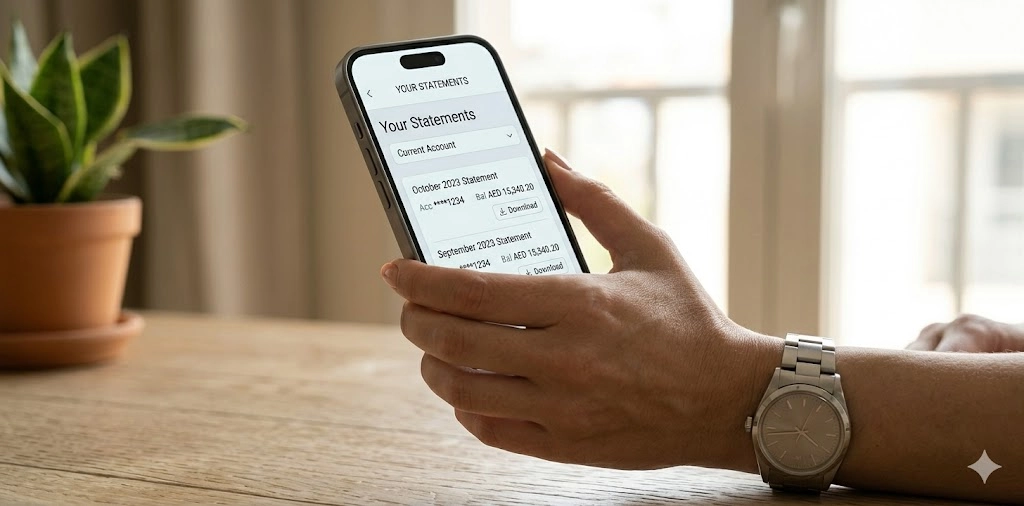
The FAB mobile app is probably the fastest method for most people. If you need to check whether your salary landed this morning, or you want to send a PDF statement to your HR team right now, the app gets it done in under a minute.
Steps to Get Your Statement on the App
- Open the FAB Mobile Banking app on your phone
- Log in using your password or biometric ID (fingerprint or face unlock)
- Tap Accounts from the bottom menu
- Select Statements
- Choose your account and set the date range
- Tap Download PDF
- The file saves directly to your phone’s downloads folder
From there, you can open it, print it, email it, or send it via WhatsApp.
Why Salary Account Holders Use the App More
If you get your salary through FAB, the app gives you things that the web portal does not always match in speed:
- You get a real-time notification the moment your salary lands
- You can generate a statement on the same day, showing the credit
- The Share button lets you email or send it to HR immediately
- Biometric login means no typing passwords every time
This is also the fastest way to do a FAB balance check before making a large payment or transfer.
How to Get Your FAB Bank Statement via Online Banking
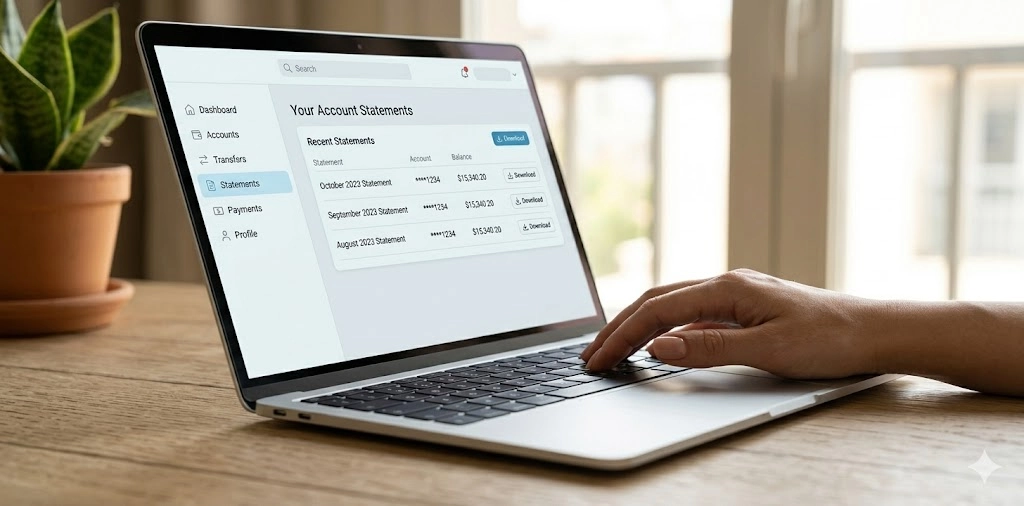
The web portal is the most complete option. You get full control over the date range, you can download in two formats, and it works on any computer with a browser.
Steps to Access Your Statement Online
- Open your browser and go to the FAB website
- Click Login at the top right corner
- Enter your username and password, then tap Sign In
- Go to Accounts in the top navigation menu
- Click on Statements from the dropdown
- Select the account you want (current, savings, or salary)
- Set your preferred date range
- Click Download PDF or Export to Excel
- Save the file to your device
That is it. The statement generates immediately. No waiting, no queuing.
What You Can Do in the Online Portal
- View and download up to 12 months of history
- Switch between multiple accounts (if you hold more than one)
- Set custom date ranges down to a specific day
- Export to Excel for accounting or budgeting purposes
- Works on Windows, Mac, and any modern browser
If you have not set up your online banking account yet, check our FAB login and registration guide to get started.
ATM Mini-Statement: Quick Transactions Without Logging In
Sometimes you do not need a full statement. You just need to know if that payment hit your account. The ATM mini-statement is the fastest way to get that answer.
How to Get a Mini-Statement at a FAB ATM
- Insert your FAB debit card or Ratibi card at any FAB ATM
- Enter your 4-digit PIN
- Select Mini Statement from the menu
- Collect the printed receipt
The whole process takes about 30 seconds.
What the Mini-Statement Shows
- Your last 5 to 10 transactions
- Withdrawals, deposits, and card purchases
- Date of each transaction
- Current account balance
It does not show full transaction descriptions, reference numbers, or a running balance for every entry. For those details, you need the full statement via the app or web portal.
When the ATM Option Makes Sense
- You need to confirm a salary credit and have no internet access
- You are at the ATM anyway and want a quick receipt
- You need physical proof of a recent deposit on the spot
- The app is not working, and you need something right now
You can find your nearest machine using the FAB ATM near me locator on the FAB website.
How to Get a Stamped FAB Bank Statement from a Branch
For anything official, such as a visa application, a loan, or a court document, you need a stamped and printed statement. A PDF from your phone will not work for most of these purposes.
What to Bring to the Branch
- Original Emirates ID (mandatory)
- Your FAB debit or credit card
- The date range you need (know this before you go)
Steps at the Branch
- Walk into your nearest FAB branch
- Tell the teller you need a printed bank statement
- Specify the account type and the date range
- Wait while the teller prints and stamps the document
- Collect your stamped statement
Most branches complete this in 5 to 10 minutes. No appointment needed for standard statements.
When You Need a Branch Statement vs a Digital One
Situation | Digital PDF OK? | Stamped Branch Copy Needed? |
Personal budgeting | Yes | No |
Employer salary verification | Usually yes | Sometimes |
UAE residence visa renewal | Rarely | Yes |
Overseas visa (UK, Schengen, US) | No | Yes |
Renting a flat or villa | Sometimes | Often |
Personal loan application | No | Yes |
Legal or court submission | No | Yes |
If you are unsure what format a specific authority requires, call them before going to the branch. It saves a second trip.

FAB Bank Statement for Visa Applications
This section matters more than most. Getting the visa statement wrong means reapplying, waiting again, and potentially missing your appointment.
UAE Visa Applications
- Most UAE visa types require 3 to 6 months of statements
- The statement must be stamped by FAB (digital PDF usually not accepted)
- Salary credits must be visible and consistent
- Balance requirements vary by visa category
Tips to Avoid Common Mistakes
- Always get your statement as close to the application date as possible
- Make sure the date range exactly matches what the embassy requests
- Never submit a photocopy of a stamped statement
- Bring extra copies to the branch; stamping multiple originals at once saves another visit
Overseas Visa Statement Requirements in 2026
Visa Type | Months Required | Stamped? |
Schengen (Europe) | 3 months minimum | Yes |
UK Visa | 6 months recommended | Yes |
USA Visa | 3 to 6 months | Yes |
Canada Visa | 3 to 6 months | Yes |
Australia Visa | 3 to 6 months | Yes |
FAB Bank Statement Charges in 2026: What You Actually Pay
This is one of the most searched questions. And honestly, the answer is simpler than most people think.
Statement Type | Method | Fee |
Digital PDF | Online Banking / App | Free |
Excel Export | Online Banking | Free |
ATM Mini-Statement | FAB ATM | Free |
Standard Printed Statement | Branch | Free |
Officially Stamped Statement | Branch | Confirm at the branch |
Certified / Legal Statement | Branch | Fee applies |
Archived (older than 12 months) | Branch | Confirm at the branch |
Are There Any Hidden FAB Bank Statement Charges?
Short answer: No, not for everyday use.
- Downloading via the app or web portal is always free
- Excel exports have no charge
- ATM receipts are free at any FAB ATM
- Standard printed statements at the branch are free for most account types
- Stamped statements for visa or legal use may carry a small processing fee, depending on your account type and the number of copies
- iSave zero balance account holders get the same free digital access as regular account holders
A lot of FAB customers assume getting a stamped statement costs hundreds of dirhams. It usually does not. The confusion comes from mixing up bank statement fees with attestation fees charged by typing centres or embassies.
FAB Bank Statement for Business Accounts
Business account holders have slightly different needs than personal account holders. The good news is that FAB online banking handles most of them well.
What Business Holders Can Access
- Full multi-month transaction history
- Separate statements per account (current, trade, payroll)
- Excel export for accounting integration
- Digital and stamped copies are both available
Managing Business Statements Efficiently
- Download statements on the same date every month to build a clean archive
- Export to Excel and feed the data directly into your accounting software
- For bulk statement requests or certified copies for auditors, contact your FAB relationship manager directly
FAB Prepaid and Ratibi Card Statements
If you use a FAB prepaid card or a Ratibi card, the statement access process is slightly different from that of a standard bank account.
Ratibi Card Statement
The Ratibi card is FAB’s salary card used widely by UAE workers under the Wage Protection System. Transaction history is accessible via:
- FAB ATMs (mini-statement option)
- The FAB Mobile App if your Ratibi card is linked
- SMS balance checks if you are enrolled in the service
FAB Prepaid Card Statement
For prepaid card holders:
- Transaction history is viewable through the FAB mobile app if the card is registered
- Email alerts can be set up for every transaction
- Contact FAB prepaid cards enquiry support if you need a formal statement for official use
FAB Bank Statement Security
Your bank statement contains sensitive information. Treat it carefully.
Safe Practices When Accessing Statements Online
- Never use public Wi-Fi to log in to your FAB account
- Always log out after every session, especially on shared devices
- Enable biometric login on the app to reduce password exposure
- Use a strong, unique password for your FAB online banking
Safe Practices When Sharing Your Statement
- Send statements via encrypted email where possible
- Do not photograph your statement and share it in group chats
- Redact your full account number if only salary confirmation is needed
- Only share with institutions that have a clear, legitimate need
What to Do If You Spot an Unfamiliar Transaction
- Report it to FAB immediately. Do not wait.
- Call the 24/7 helpline: 600 52 2235
- Block your card instantly via the FAB Mobile App
- File a formal dispute through the FAB complaint process
How to Access Old FAB Bank Statements (Beyond 12 Months)
The app and web portal cover the last 12 months. If you need records older than that, the process is still straightforward; it just requires a branch visit.
Steps to Request Archived Statements
- Visit any FAB branch with your Emirates ID
- Tell the teller you need statements older than 12 months
- Specify the account and the exact date range
- The branch will process the request
Most requests for up to two years of records are completed the same day. Older records may take one to three working days. There may be a small fee for certified or archived copies, so ask before you request.
Can You Request Old Statements Online?
Not currently. The online portal and app only display the last 12 months. Archived statements must be requested in person at a branch. Business account holders can also raise this with their relationship manager for larger record requests.
Frequently Asked Questions
Is the FAB bank statement free to download?
Yes. Downloading your statement via the app or web portal is completely free. ATM mini-statements are also free. Standard printed statements at the branch are free for most account types. Certified or legally stamped copies may carry a small fee.
How do I get my FAB bank statement online?
Log in to FAB Online Banking at the FAB website or open the FAB Mobile App. Go to Accounts, then Statements. Select your account, set the date range, and click Download PDF or Export to Excel.
How far back can I access my FAB statements?
Up to 12 months through the app and online portal. For older records, visit a FAB branch with your Emirates ID and request archived statements.
Can I use a downloaded PDF for a visa application?
For some visa types, yes. For most embassy submissions and official UAE applications, a stamped branch-printed statement is required.
What is a Ratibi card statement, and how do I get it?
You can check recent transactions at any FAB ATM or through the FAB Mobile App if your card is linked. For a formal statement, visit a branch with your Emirates ID.
How do I check if my salary has been credited?
Open the FAB Mobile App and check your latest transactions under Accounts. Your salary appears as a credit entry with your employer’s name or payroll reference.
What should I do if there is an error on my FAB statement?
Please call FAB support at 600 52 2235 immediately. You can also raise a formal dispute through the FAB complaint process via the app or website.
Do I need an appointment to get a stamped statement at a branch?
No. Walk into any FAB branch with your Emirates ID. Standard statements are printed and stamped while you wait, usually in 5 to 10 minutes.
Is the FAB Payit app the same as the FAB Mobile Banking app?
No. Payit is a separate digital wallet app. FAB Mobile Banking is the main app for full account management, prepaid card enquiry, and banking features. Some users have both. If you’re not sure which one you have, check the app icon; the names are different.