FAB Prepaid Card Enquiry: Check Your Balance Quickly in 2026
Salary day came and went. You check your wallet. The card is there. But is the money?
That’s the question we all type into Google before we even realize it. We want to know if our balance has been updated, if the salary landed, or why the ATM just declined it at the worst possible moment.
FAB prepaid cards are used by thousands of employees and employers across the UAE. Most of them are on Ratibi cards: the WPS-compliant salary card for workers earning up to AED 5,000. Some hold DWallet cards or multi-currency cards for travel and online purchases. All of them, at some point, need to check their balance fast.
This guide covers every way to do a FAB prepaid card enquiry in 2026, including methods that work without internet, without a bank account, and without ever visiting a branch. We also cover what to do when the balance check fails.
Before diving into your card enquiry, quickly check your FAB account balance by clicking the button below. Managing your expenditures is simple when you do your UAE balance check online through our dedicated portal.
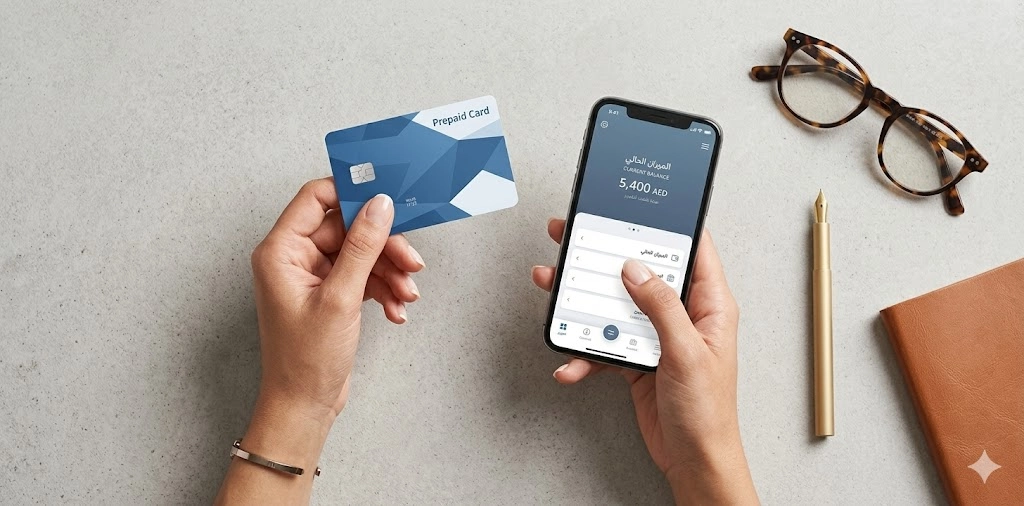
What Is a FAB Prepaid Card?
Before the how-to part, a quick clarification is necessary: because not everyone searching “FAB bank prepaid card enquiry” is holding the same card.
FAB (First Abu Dhabi Bank) issues several types of prepaid cards. They work differently and have slightly different enquiry options.
Method | Works Without Internet | Registration Needed | Speed | Best For |
Magnati PPC Portal | No | No | Instant | Quick one-time check |
FAB Mobile App | No | Yes | Instant | Daily use, full features |
Online Banking Portal | No | Yes | Instant | Statements, detailed history |
SMS Banking | Yes | Yes (number) | Under 1 min | No internet, basic phones |
ATM Balance Inquiry | Yes | No | Instant | Paper receipt needed |
Payit App | No | Yes | Instant | Wallet/daily spenders |
Customer Support | No | No | 5 to 10 min | Disputes, blocked cards |
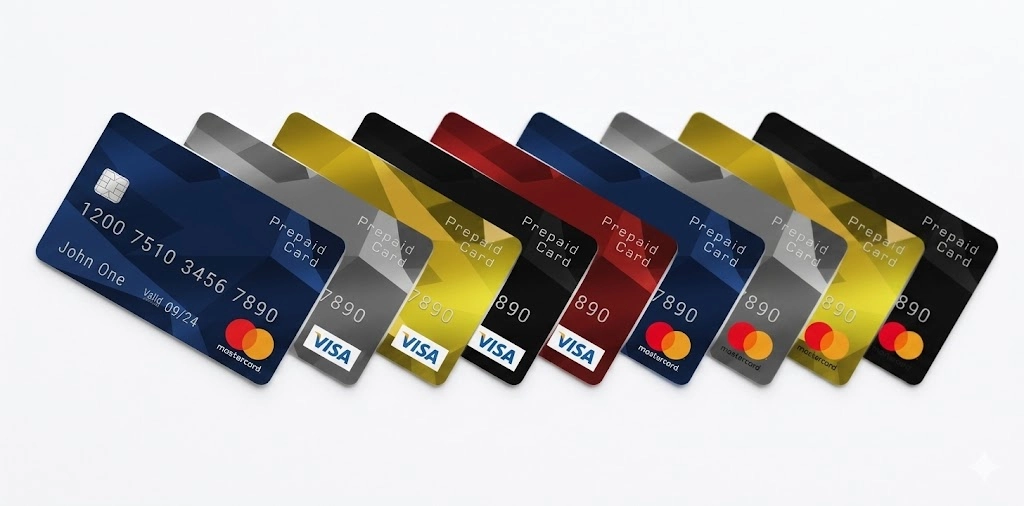
Each card supports the FAB prepaid card enquiry system, but the fastest method depends on which card you hold. Ratibi cardholders, in particular, have access to dedicated employer portals that regular cardholders don’t have. Read more on that in the Ratibi section below.
Before You Start: What You Need for Any FAB Enquiry
Rushing into a balance check without the right information in front of you is where most people get stuck. The enquiry method doesn’t matter: Magnati portal, SMS, ATM, they all ask for at least one identifier. Having it ready saves time.
Your card details:
- The 16-digit card number printed on the front
- The last 4 digits of that number (used for SMS and phone enquiries)
- The last 2 digits specifically (used for the Magnati PPC portal)
- Your 13-digit Card ID on the back of the card, this is not the CVV or the expiry date. It’s a longer reference number, sometimes printed in smaller text below the card number on the reverse side
- Your 4-digit PIN (needed for ATM checks and initial online registration)
Your account details:
- Your registered UAE mobile number, not just any number, the one you gave FAB when your card was issued
- Your Emirates ID (for full registration or branch visits)
- Your User ID and password if you’re already registered for online banking
What if you can't find your Card ID?
Check the physical card first. If it’s worn or the print is hard to read, check the card delivery envelope or the welcome letter that came with it. If you truly can’t find it, call the Ratibi support line on 600 52 2298 (UAE), and they can guide you through alternative verification.
FAB Phone Banking Balance CheckThe FAB Prepaid Card Enquiry System & How It Actually Works
People call it different things. FAB bank prepaid card enquiry. Prepaid card enquiry system FAB. Online prepaid card balance enquiry. They all point to the same set of tools.
The prepaid card enquiry system is not a single app or portal. It’s a combination of access points: online, mobile, SMS, ATM, and phone that let you view your balance, transaction history, and card status in real time.
What makes it useful:
- No branch visit needed
- Works 24/7 for most methods
- Balance updates happen in real time after transactions
- Works for all FAB prepaid card types
- Some methods work offline (SMS and ATM)
The only thing the system doesn’t do automatically is alert you when your salary lands, unless you set up SMS notifications, which takes about two minutes and is covered in the registration section below.
7 Ways to Do a FAB Prepaid Card Balance Enquiry
Not every method works for every situation. Below are all seven, from fastest to most involved.
Method 1: Magnati PPC Portal (No Account Needed)
This is the fastest option for anyone who hasn’t set up the mobile app yet. No registration. No login. Takes under a minute.
What you need:
- The last 2 digits of your 16-digit prepaid card number
- Your 13-digit Card ID (printed on the back of the card, usually below the card number)
Steps:
- Open the Magnati PPC portal in your browser
- Enter the last four digits of your 16-digit prepaid card number
- Input your 13-digit Card ID found on the back of your card
- Click “Go” to view your prepaid card balance instantly
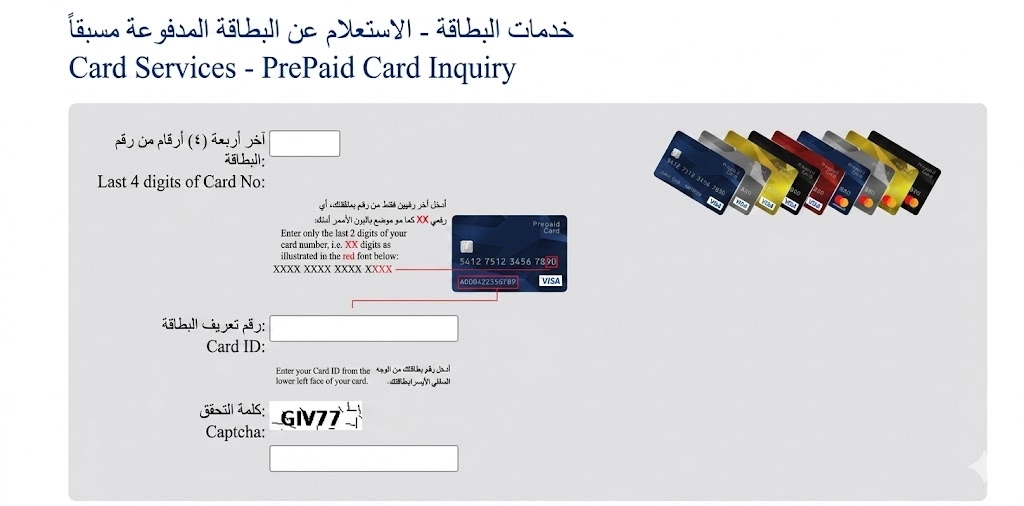
Why people miss the Card ID: It’s a smaller number printed below or beside the main card number on the back. Not the CVV. Not the expiry. It’s a longer reference number unique to your card. If you can’t find it, check the card packaging or the physical mailer that came with the card.
This method covers all FAB prepaid cards
- Ratibi
- Payment
- DWallet
- Gift
- Multi-Currency
It’s the go-to for prepaid card balance enquiry without logging into anything.
Method 2: FAB Mobile App
The mobile app is the most complete option. You get balance, transaction history, notifications, and card management all in one place.
How to check your prepaid card balance on the FAB Mobile App:
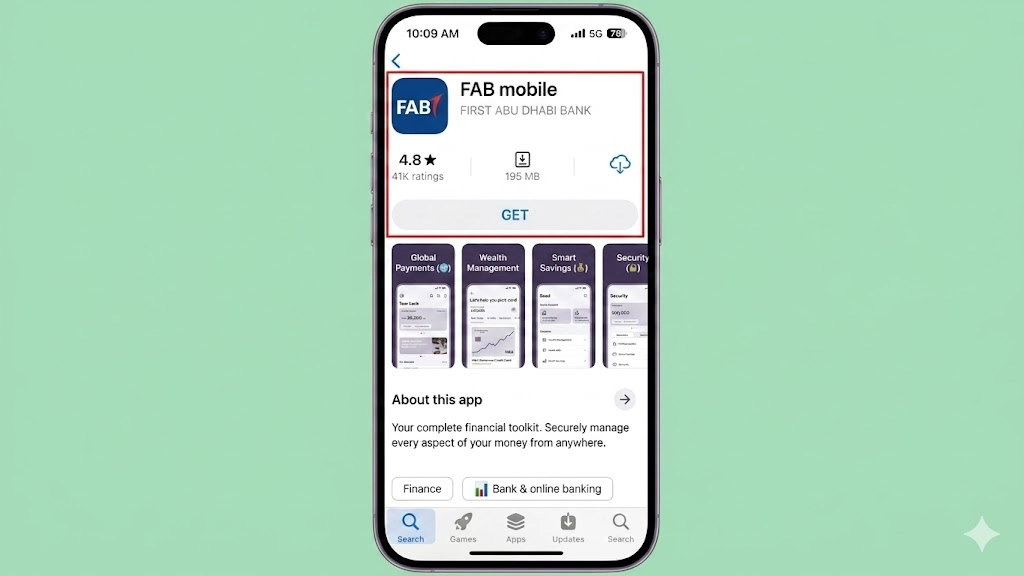
- Download the FAB Mobile Banking app from the App Store or Google Play
- Log in using your username and PIN, or use Face ID/fingerprint
- Tap “Cards” from the main menu
- Select your prepaid card
- Your current balance and last transactions appear on screen
What else can the app do:
- View 90 days of transaction history
- Block or freeze your card instantly
- Reset your PIN
- Set up salary credit alerts
- Manage multiple FAB prepaid cards from one login
If you check your balance more than once a week, this app saves more time than any other method. The FAB mobile app also lets you check your FAB bank prepaid card balance enquiry for every card linked to your account: you don’t need to go through each one separately.
Tip: Biometric login is faster and safer than PIN entry on mobile. Turn it on from the app settings if you haven’t already.
Method 3: FAB Online Banking Portal
For people who prefer a desktop or need more detailed transaction data, the online banking portal works well. If you haven’t set up your online access yet, follow our FAB login and registration steps to link your card.
Steps:
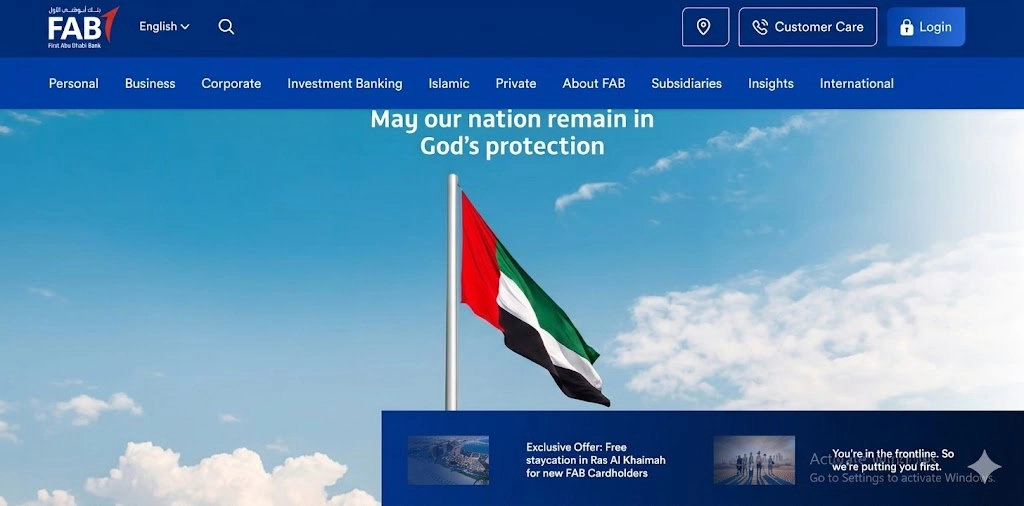
- Go to the official FAB website
- Click “Login” and select Personal Online Banking
- Enter your User ID and password
- Navigate to Cards, then select your prepaid card
- View balance, statement history, and recent transactions
This method also lets you download a full FAB bank statement for your prepaid card: useful for expense tracking, employer verification, or visa applications. Monthly and custom-date statements are both available.
If you haven’t registered for online banking yet, the next section walks through that.
Method 4: SMS Banking
No internet. No app. Still works.
Steps:
- Make sure your mobile number is registered with FAB
- Type: BAL [space] last 4 digits of your card number
- Send to 2121
- You’ll get an SMS back with your current balance within seconds
The registration step most people miss: SMS banking only works if your mobile number is linked to your FAB account. If you got your Ratibi card through your employer and never set up a FAB account separately, your number may not be registered. You can register it at any FAB ATM, through the mobile app settings, or by calling customer support.
This method is specifically convenient for people who are travelling and have no access to the internet. This is the best method for workers who don’t use smartphones regularly. A basic phone with SMS capability is all you need for a prepaid card enquiry without any app or internet connection.
Method 5: ATM Balance Inquiry
Works at any FAB ATM in the UAE. Also works at international ATMs for Ratibi and Multi-Currency cardholders, though international ATMs may charge a small fee.
Steps:
- Insert your prepaid card into any FAB ATM
- Enter your 4-digit PIN
- Select “Balance Inquiry” from the menu
- View your balance on screen
- Print a receipt if you need a paper record
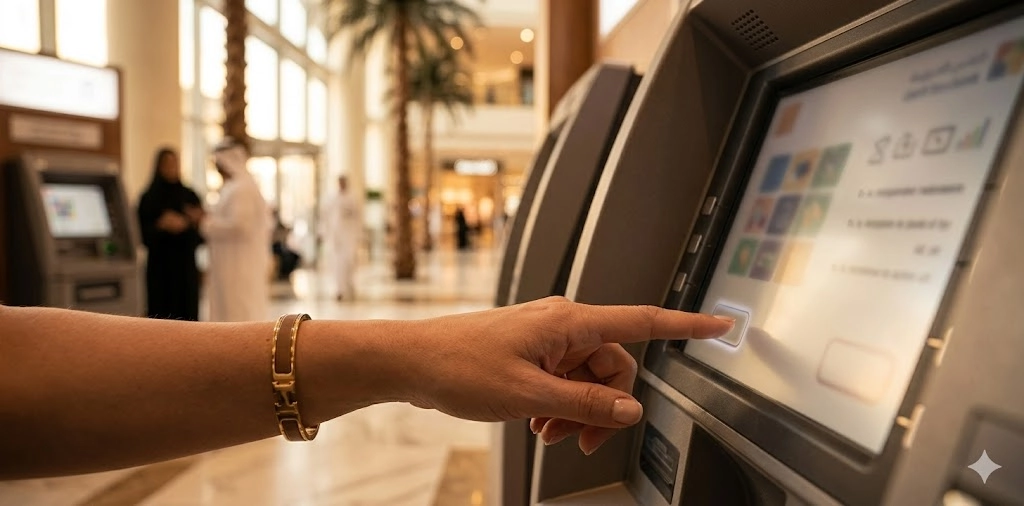
For workers who receive their salary on a Ratibi card, the ATM is often the first place they go to confirm the credit landed. A printed receipt from the ATM also works as informal proof of balance for some purposes, though for official documentation, you need the online statement.
If you’re looking for a FAB ATM near me option, the FAB website has a branch and ATM locator tool where you can type your area and get the closest machine.
Method 6: FAB Payit Wallet App
Payit is FAB’s digital wallet, separate from the main mobile banking app. If your prepaid card is linked to a Payit account, you can view the balance directly inside the app.
Steps:
- Open the Payit app and log in with your credentials
- Tap “Wallet Balance” on the home screen
- Your balance shows immediately
Payit is most useful for people who use their prepaid card for small daily purchases and P2P transfers. It’s not the main tool for Ratibi’s salary verification; use the main FAB Mobile App or Magnati portal for that.
Method 7: Customer Support
Sometimes you just need to speak to a person. FAB’s 24/7 support line handles balance checks, but it’s more useful for disputes, blocked cards, and SMS registration help.
Contact details:
- UAE Helpline: 600 52 5500
- International: +971 2 681 1511
- Email: for non-urgent queries, submit through the official FAB website contact form
When to call vs when to use the app:
Situation | Best Method |
Just checking the balance quickly | Mobile App or SMS |
Salary hasn’t arrived yet | Call support + SMS |
Card blocked or declined | Call support immediately |
Need an official statement | Online portal |
Forgot PIN | Call support or visit the ATM |
SMS not working | Call support to register the number |
FAB Ratibi Prepaid Card Balance Enquiry
The FAB Ratibi prepaid card balance enquiry is the most searched type on this list. It comes from workers who want to know one thing: Did my salary land?
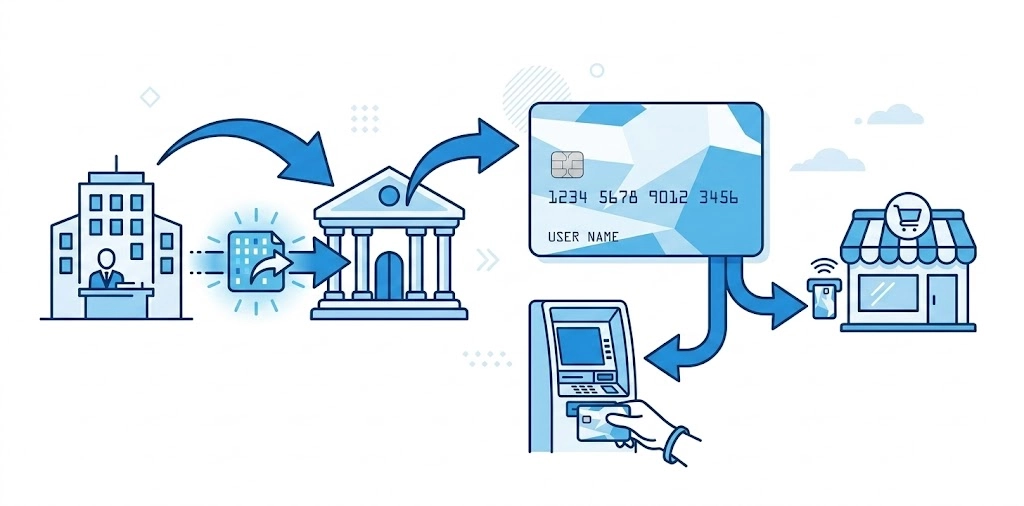
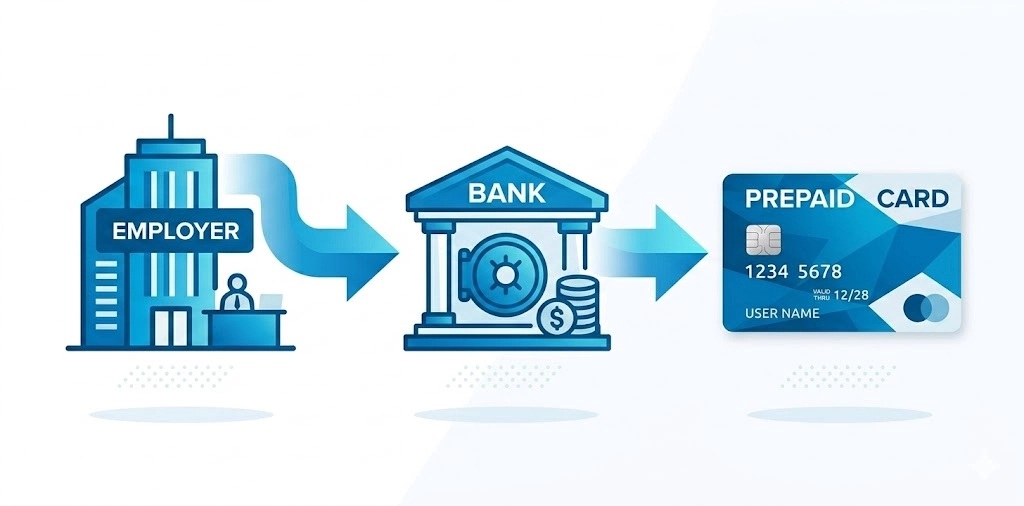
Ratibi cards are salary payroll cards designed for employees earning up to AED 5,000 per month. They’re 100% WPS-compliant, which means the UAE government tracks salary transfers made through them. Employers use them because it simplifies payroll and keep them in compliance with labor regulations.
How to Verify WPS Salary Credit on Your Ratibi Card
When your employer processes payroll, the credit goes directly to your Ratibi card. Here’s how to confirm it:
- Check via SMS: Send BAL [last 4 digits] to 2121
- Check via the Magnati PPC portal using your Card ID
- Check at any FAB ATM using your PIN
- Enable salary credit SMS alerts through the app so you get a notification the moment the money lands
Salary credit timing in 2026: WPS payments typically process within the same business day if submitted before 3 PM UAE time. Payments submitted after hours or on weekends may take until the next business day. If your salary hasn’t appeared within 24 hours of the expected date, contact FAB support, not your employer, first.
Ratibi Card Benefits
Most workers know the Ratibi card as a salary card. What many don’t realize is what else it covers:
- Free personal accident insurance: In the event of accidental death or permanent disability, eligible cardholders receive 5 times their monthly salary, up to AED 25,000
- Hospitalization cover: If you’re hospitalized for 24 hours or more due to an accident, you receive AED 50 per day for up to 30 days
- Repatriation cover: Actual repatriation expenses up to AED 5,000 in the event of death
- Free SMS alerts: Every salary credit triggers an automatic notification
- WPS-compliant: Your employer cannot delay your salary beyond the legal deadline without facing government penalties
- No minimum balance: You won’t get charged fees for keeping a low or zero balance
These benefits activate automatically when your salary is deposited. You don’t register for them separately. For the insurance coverage specifically, you’re covered as long as the card is active, and salary credits are regular.
Can Your Employer See Your Ratibi Balance?
This question comes up constantly. The short answer: employers can see whether salary was credited and whether WPS compliance was met. They cannot see your personal spending transactions, ATM withdrawals, or daily purchases. Your spending history is private.
What to Do If Your Salary Hasn't Arrived
- Confirm the expected pay date with your HR or employer
- Check the Ratibi card using the Magnati portal or SMS, sometimes the salary lands earlier than expected
- If 24 hours have passed, call FAB support on 600 52 5500
- Ask FAB to confirm if a salary transfer was received from your employer
- If no transfer was received, the issue is on the employer’s side. Escalate to your HR team
How to Register for FAB Online Banking and Mobile App
You need to register once. After that, every balance check takes seconds.
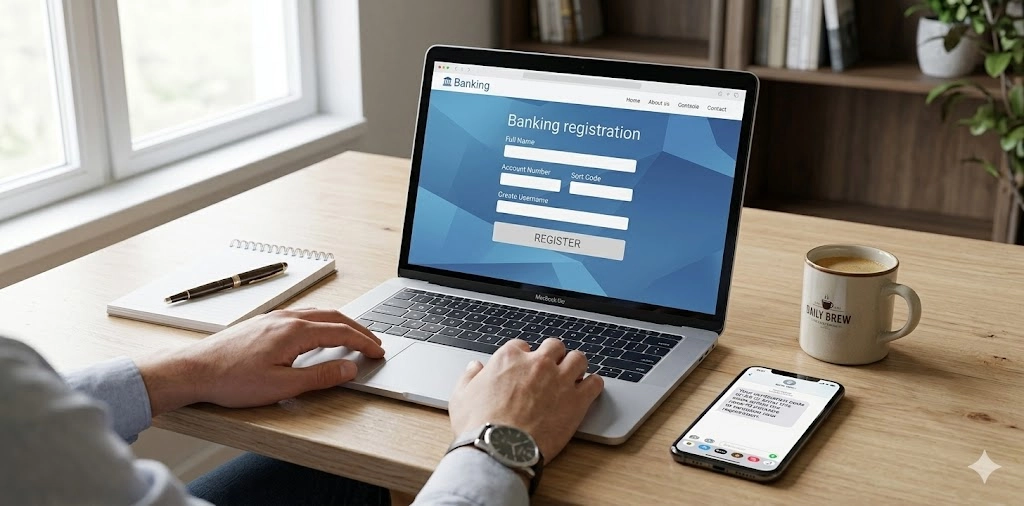
FAB Online Banking Registration
What you need:
- Your FAB prepaid card number (16 digits)
- Your card PIN
- Your registered UAE mobile number
Steps:
- Go to the FAB official website
- Click “Login,” then “Register.”
- Choose “Debit/Prepaid Card Number + PIN” as your registration method
- Enter your card number and PIN
- An OTP (one-time password) is sent to your registered mobile number
- Enter the OTP
- Create your User ID and password
- Done, you can now access the FAB online banking features and services, including full FAB prepaid card balance enquiry, statements, transfers, and bill payments
FAB Mobile App Registration
- Download the FAB Mobile Banking app
- Select “Register”
- Enter your Emirates ID or card number
- Verify via OTP
- Set a PIN or enable biometric login
- Your prepaid card will appear under the “Cards” section automatically
Forgot Your Password?
- On the login page, tap “Forgot Password.”
- Enter your card number
- Verify your identity via OTP
- Set a new password
If the OTP doesn’t arrive within two minutes, call 600 52 5500. The most common reason is an unregistered or outdated mobile number on the account.
How to Get Your FAB Bank Statement for a Prepaid Card
A FAB bank statement for a prepaid card is not the same as a regular bank account statement, but it works for most practical purposes.
Mini-Statement via ATM
- Insert your card at a FAB ATM
- Enter your PIN
- Select “Mini-Statement”
- The ATM prints your last 10 transactions
Full Statement via Online Banking
- Log in to FAB Online Banking
- Go to Cards, then select your prepaid card
- Click “Statement” or “Transaction History”
- Choose your date range (up to 12 months available)
- Download as PDF
This is the version to use for expense reporting, visa applications, or personal record-keeping. The ATM mini-statement is useful for quick reference but doesn’t carry official formatting for formal submissions.
FAB Prepaid Card: Salary Check and WPS Compliance in 2026
The UAE’s Wages Protection System requires all employers to pay salaries electronically and on time. FAB Ratibi cards are fully WPS-compliant, which means:
If you are specifically tracking corporate payroll or domestic wages, see our dedicated guide on how to check Ratibi card salary.
- Salary transfers are recorded and tracked by the Ministry of Human Resources
- Employers who delay payments face penalties
- Employees can verify their payment status independently
For a FAB Ratibi salary check, you don’t need to contact your employer at all. The Magnati PPC portal or FAB mobile app will show you whether the transfer was made. If no salary appears, FAB support can confirm whether a transfer was received, giving you solid information before any HR conversation.
Security and Fraud Protection for FAB Prepaid Card Users
What FAB Will Never Ask You
FAB customer support will never ask for:
- Your full card number over the phone
- Your PIN via SMS or call
- Your OTP to “verify your identity.”
- Personal banking passwords
If you receive a call, email, or SMS asking for any of the above, it’s a fraud attempt. Hang up and call FAB directly on 600 52 5500 to report it.
How to Protect Your Prepaid Card
- Enable transaction SMS alerts through the app
- Check your FAB prepaid card balance enquiry after every major transaction, not just once a month
- If your card is lost, call FAB immediately to block it. The card can be replaced
- Don’t share your Card ID (the 13-digit number on the back) over the phone with anyone claiming to be from a bank
- Use biometric login on the FAB mobile app instead of a PIN when possible
Reporting Fraud
- Call: 600 52 5500 (UAE)
- Call: +971 2 681 1511 (International)
- Visit the nearest FAB branch with your Emirates ID
Frequently Asked Questions
How do I check my FAB Ratibi card balance without the app?
Use the Magnati PPC portal. You need the last 4 digits of your card and the 13-digit Card ID from the back. No login or app required. SMS banking also works: send BAL [last 4 digits] to 2121. For SMS, your mobile number must be registered with FAB first.
What is the FAB prepaid card enquiry number?
For general enquiries: 600 52 5500 (UAE) or +971 2 681 1511 (International). For Ratibi-specific support: 600 52 2298 (UAE) or +971 2 499 6279 (International).
How long does it take for a WPS salary to appear on a Ratibi card?
If your employer submits payroll before 3 PM on a business day, the credit usually appears the same day. Submissions after hours or on weekends are processed on the next business day.
Can I check my FAB prepaid card balance outside the UAE?
Yes. The Magnati PPC portal and FAB mobile app both work internationally. For ATM balance checks abroad, use any Visa or Mastercard ATM, depending on your card’s network. Fees may apply at non-FAB machines.
Why is my FAB prepaid card balance showing zero or incorrect?
Most common reasons: pending transactions not yet cleared, salary upload not yet processed, the card isn’t yet active, or you’re viewing the wrong card in the app. Log out and log back into the app.
What is the difference between the Magnati PPC portal and FAB online banking?
The Magnati PPC portal is for quick, no-login balance checks. It only shows your current balance. FAB online banking requires registration but gives you full access: transaction history, statements, card management, and bill payments.
How do I get an official bank statement for my FAB prepaid card?
Log in to FAB Online Banking, go to your prepaid card, and download a PDF statement for your chosen date range. This works for up to 12 months of history.
What should I do if my FAB prepaid card is lost or stolen?
Call 600 52 5500 (UAE) or +971 2 681 1511 immediately. FAB support can block the card within minutes and arrange a replacement. Do not wait, report it as soon as you notice.
Is the FAB Payit app the same as the FAB Mobile Banking app?
No. Payit is a separate digital wallet app. FAB Mobile Banking is the main app for full account management, prepaid card enquiry, and banking features. Some users have both. If you’re not sure which one you have, check the app icon; the names are different.